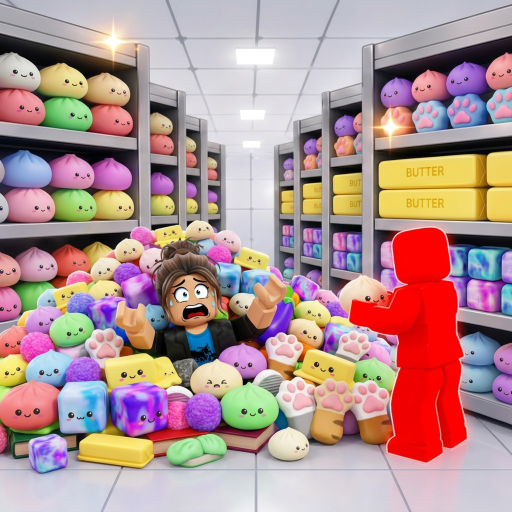
Clean the Squishies Beginner Guide & Controls
Learn the controls first, then clear one small part of the shop at a time.
Controls plus first-session steps
Official Roblox metadata checked July 12, 2026 lists E or click to pick up and place a squishy, F to drop, numbers to switch, T to unlock the mouse, G for Magic, and hold click to squish. On controller, RT picks up or places, LT drops or squishes, and Y opens upgrades.
- Test each action in one quiet area.
- Pick one nearby section and finish it before crossing the shop.
- Repeat the route once so dropped inputs and detours are easy to spot.
If the run feels messy
Slow down long enough to check whether you are dropping with F when you meant to place. If friends are playing, split nearby areas instead of following the same squishies. See the AURA update watch for the current official label and floor-save note.